2 Mahine Me AutoCAD SeekhoReal Site Drawings, Layouts & Working Projects Ke Saath
Degree ya theory nahi — Real Site Experience + Layout Based AutoCAD Training
Jo job, site aur freelance kaam me directly use ho
Real Construction Site Experience
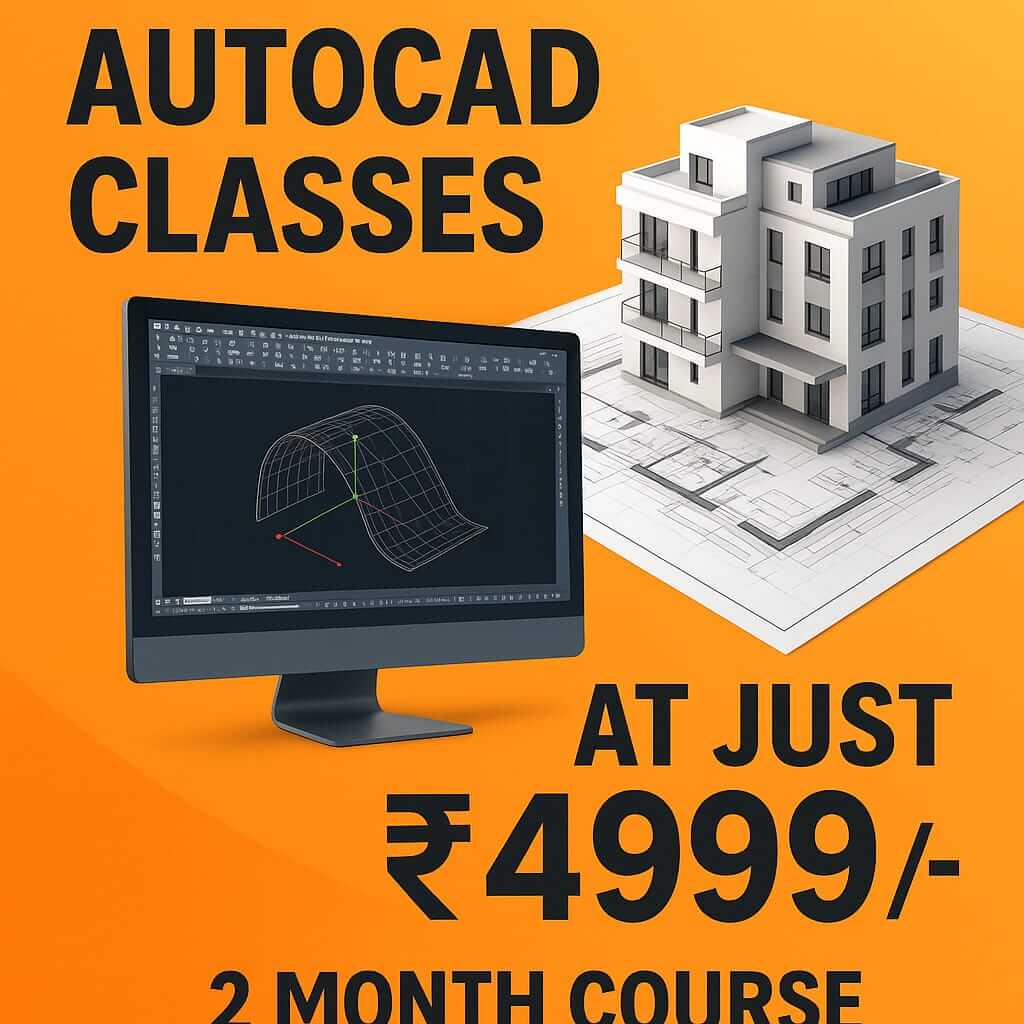
Ye Problems Familiar Lagte Hain?
College me sirf theory, site ka exposure zero
Theory knowledge hai lekin real site pe kaise apply kare, samajh nahi aata
Commands aati hain, par working drawings banana nahi aata
Software chalana seekh liya, lekin real projects pe kaam karna alag hai
Interview me drawings explain nahi hoti
Job interviews me technical questions pe confidence nahi rehta
Site pe electrical, plumbing, interior layouts samajh nahi aate
Multiple drawing types ko integrate karne me confusion hota hai
Institutes sirf software sikhate hain, kaam nahi
Software training milti hai, par real-world applications nahi sikhayi jati
Hamara Solution
Isliye hum AutoCAD ko site ke nazariye se sikhate hain — layout, execution aur working drawings ke saath.
India ka Pehla AutoCAD Institute Jo Site View + Layout Ke Saath Training Deta Hai
Live site view ke saath AutoCAD training
Real construction sites pe jakar sikhate hain ki drawings kaise implement hoti hain
Real floor plans, bathroom layouts, tile layouts
Actual projects ke layouts pe kaam karke practical skills develop karte hain
Electrical, plumbing & interior coordination drawings
Sabhi services ko integrate karna sikhate hain - real site requirements ke hisaab se
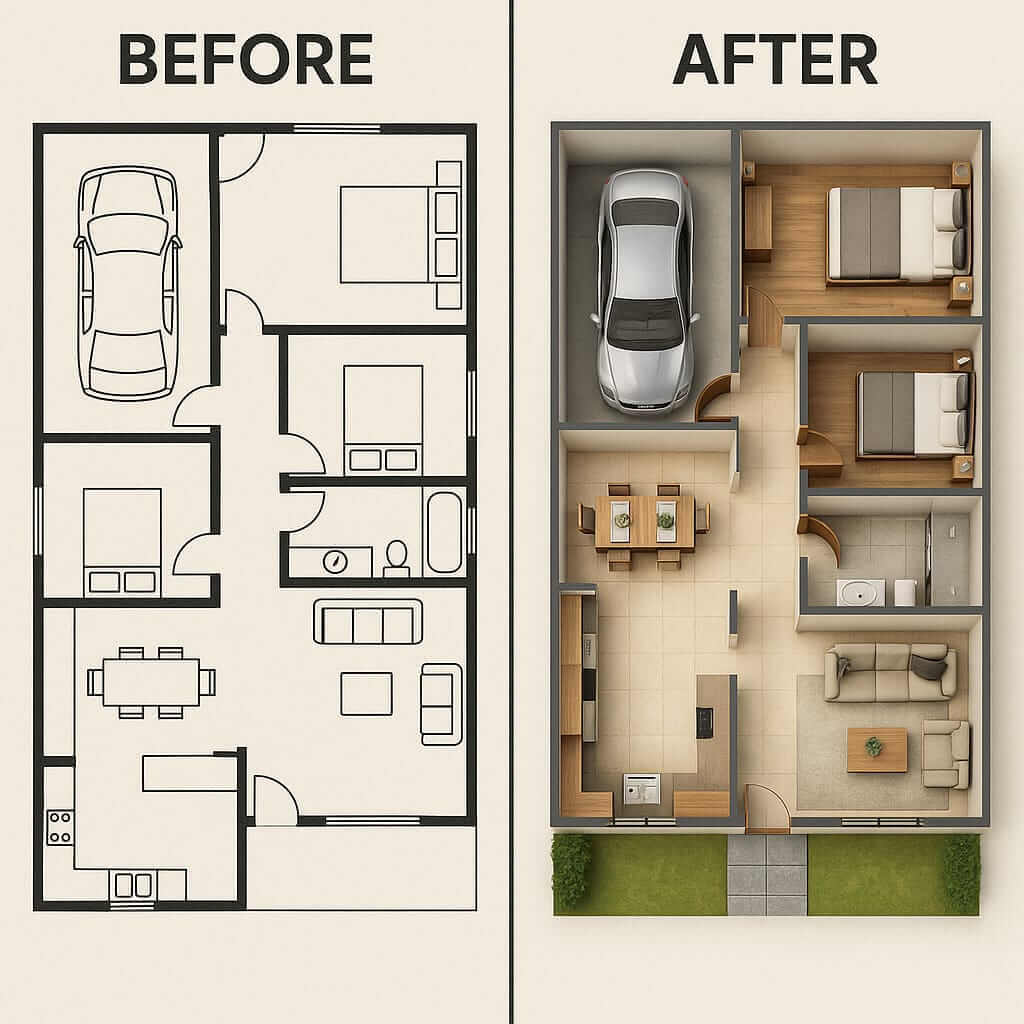
Before & After site drawings comparison
Planning vs. execution ke beech ke differences ko samjhate hain real projects ke through
Mistakes jo site pe hoti hain — real case studies
Common errors aur unke solutions ko actual projects se samjhate hain
"Hum sirf screen pe nahi, site pe bhi AutoCAD sikhate hain."
India ka Only AutoCAD Training Institute jo Site-Based Layout Training provide karta hai.
Trainer with real construction + interior + site execution experience
Not just teacher — industry practitioner
Course Structure – 2 Month Module
Monday to Friday, Practical Training with Site Focus
Month 1 – Foundation + Core AutoCAD
Building strong fundamentals with practical applications
AutoCAD basics (Zero level)
Complete introduction for absolute beginners with practical examples
Floor plans & elevations
Learn to create professional architectural drawings with proper standards
Layers, dimensions, plotting
Master essential techniques used in professional drawing setup
Working drawing standards
Learn industry-standard drawing conventions that professionals use
Site-ready file handling
Manage projects efficiently with proper file organization techniques
Month 2 – Layouts + Advanced Practical
Real-world applications and site-specific training
Interior layout drawings
Create detailed interior drawings with furniture and fixture layouts
Electrical layout
Learn to create and understand electrical plans for construction
Plumbing layout
Create detailed plumbing drawings for bathrooms and kitchens
Vastu drawings & Structural drawings (basic)
Learn traditional design principles and basic structural layouts
Before/After drawings & Project execution workflow
Understand how drawings evolve during construction process
Duration
2 Months
Classes
Monday to Friday
Mode
Practical + Site-oriented
Level
Beginner to Professional
Fees kam, value double.
See why our training provides more real-world value at a better price
Project Layout Catalogue
Browse through our extensive collection of real-world project drawings
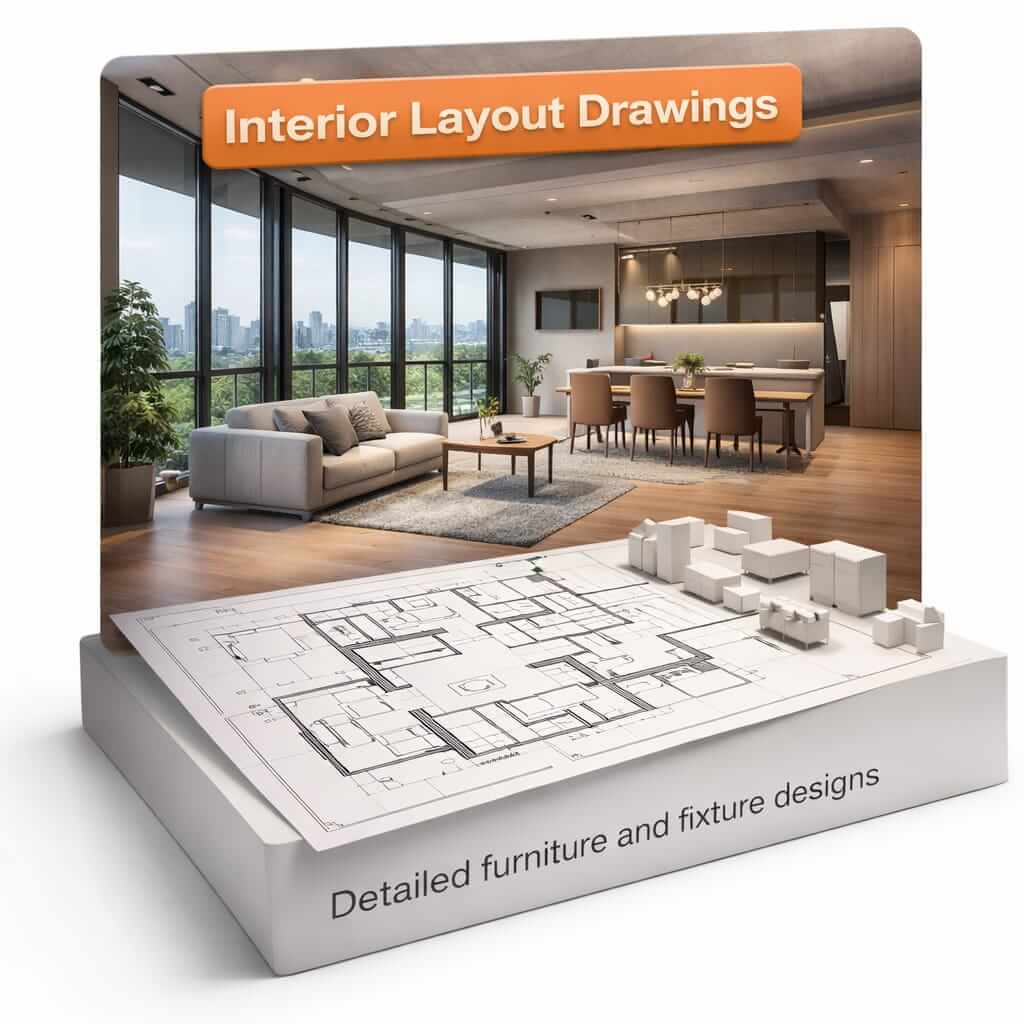
Interior Layout Drawings
Detailed furniture and fixture placement
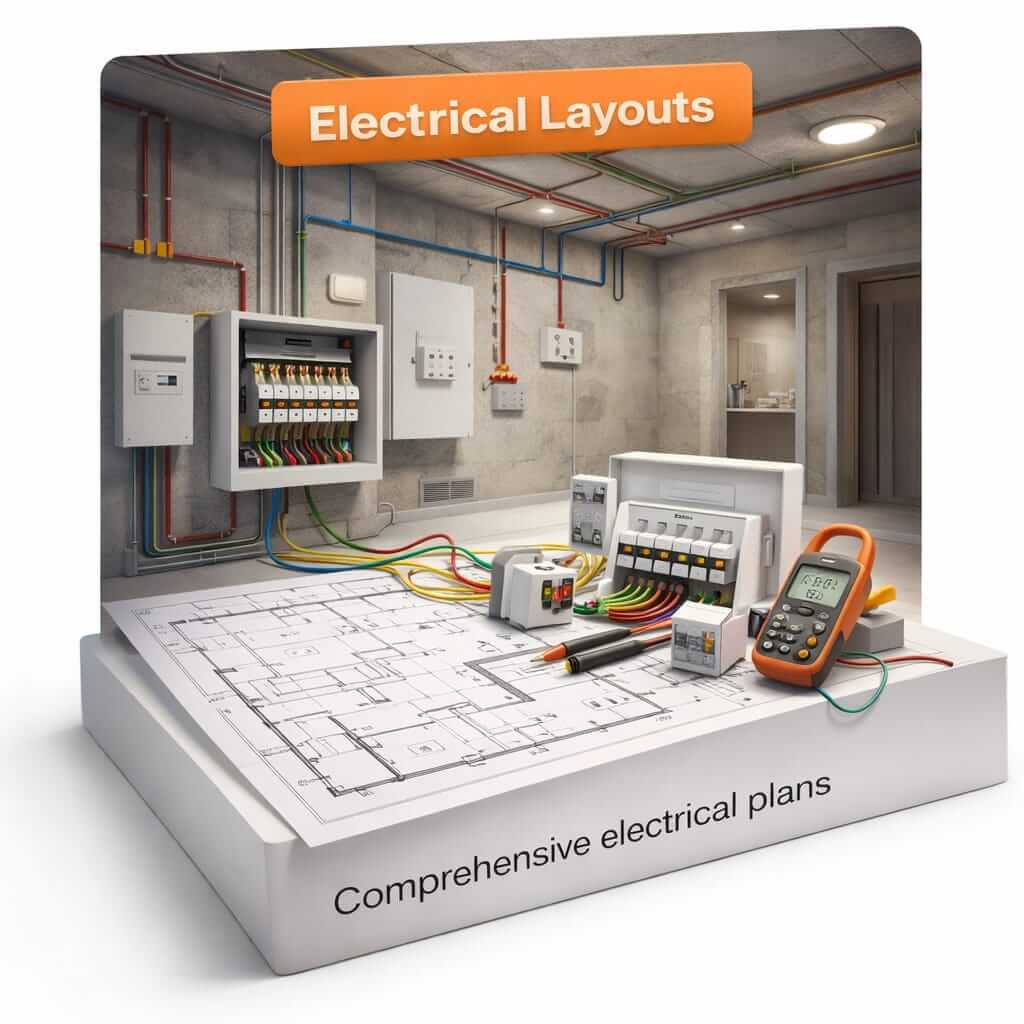
Electrical Layouts
Complete electrical planning diagrams
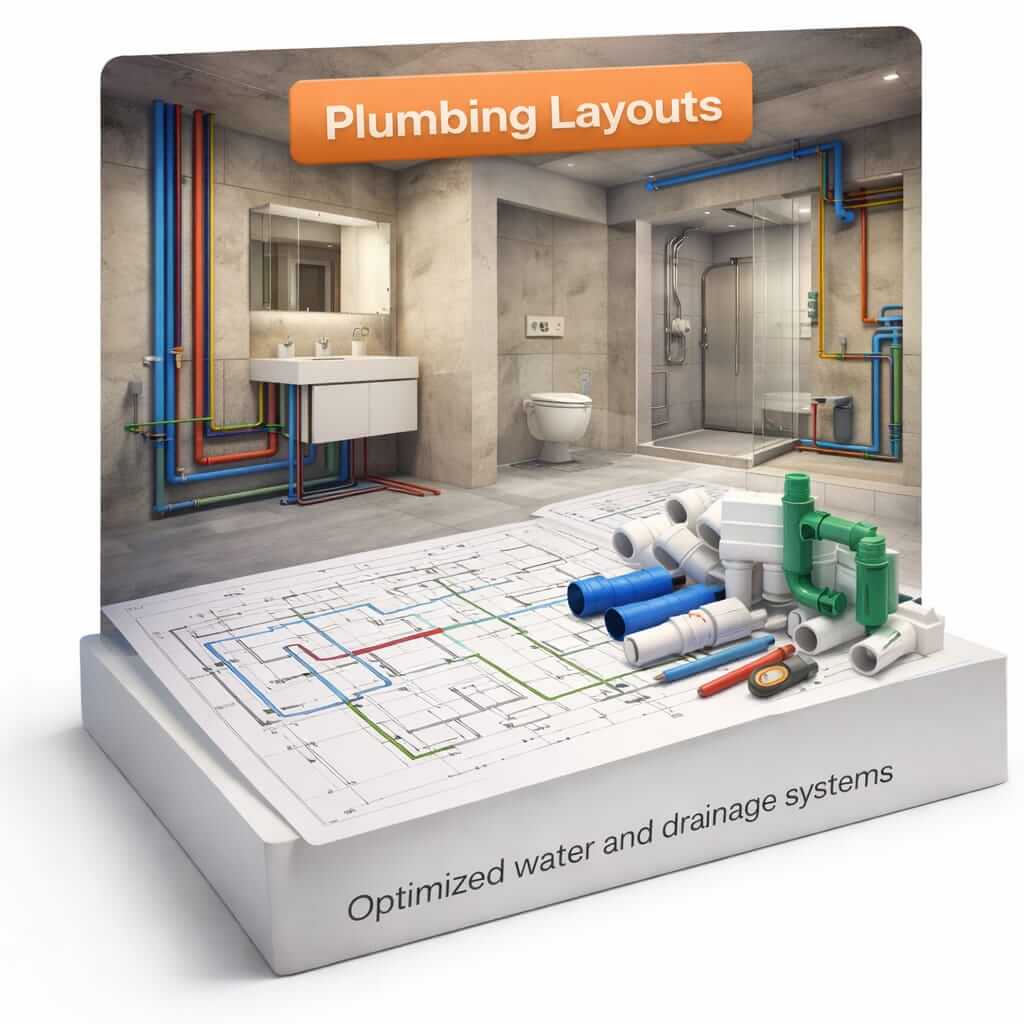
Plumbing Layouts
Detailed water and drainage systems
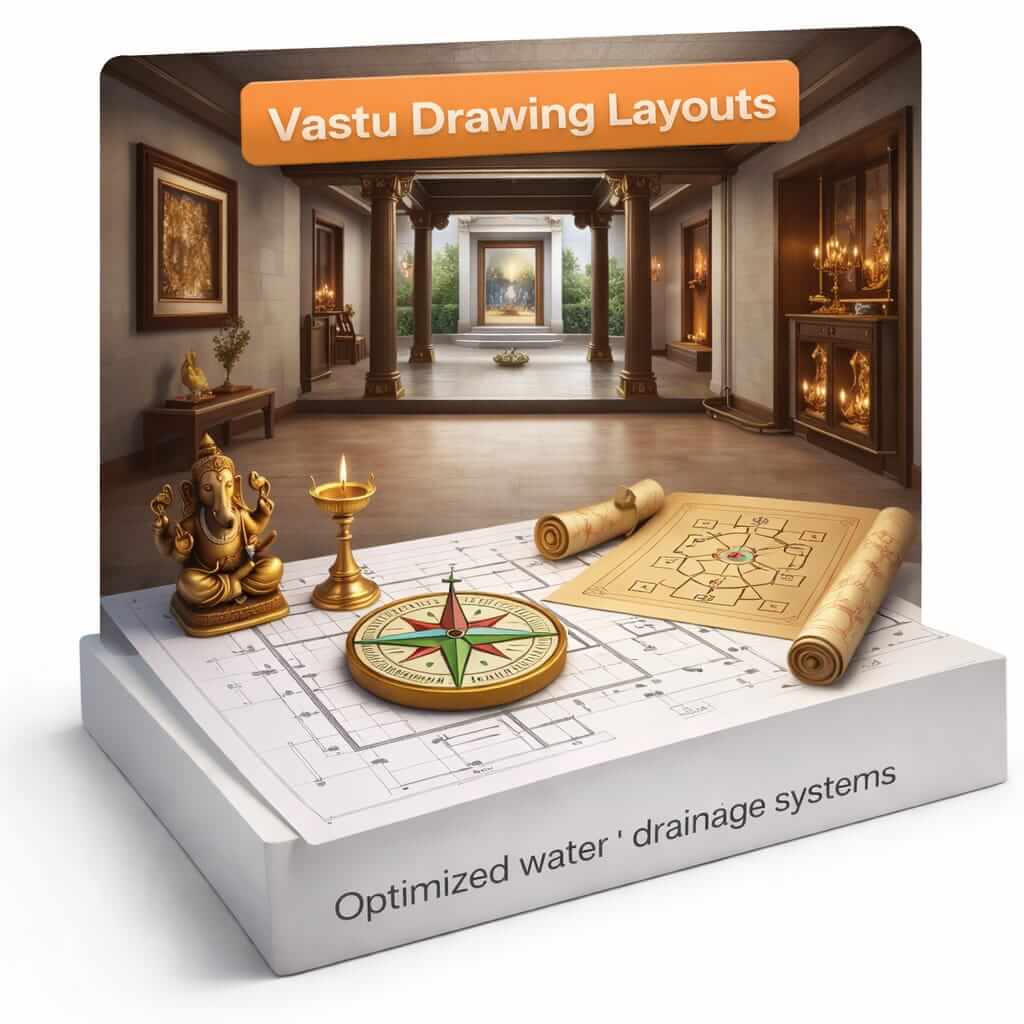
Vastu Drawings
Traditional design principles applied
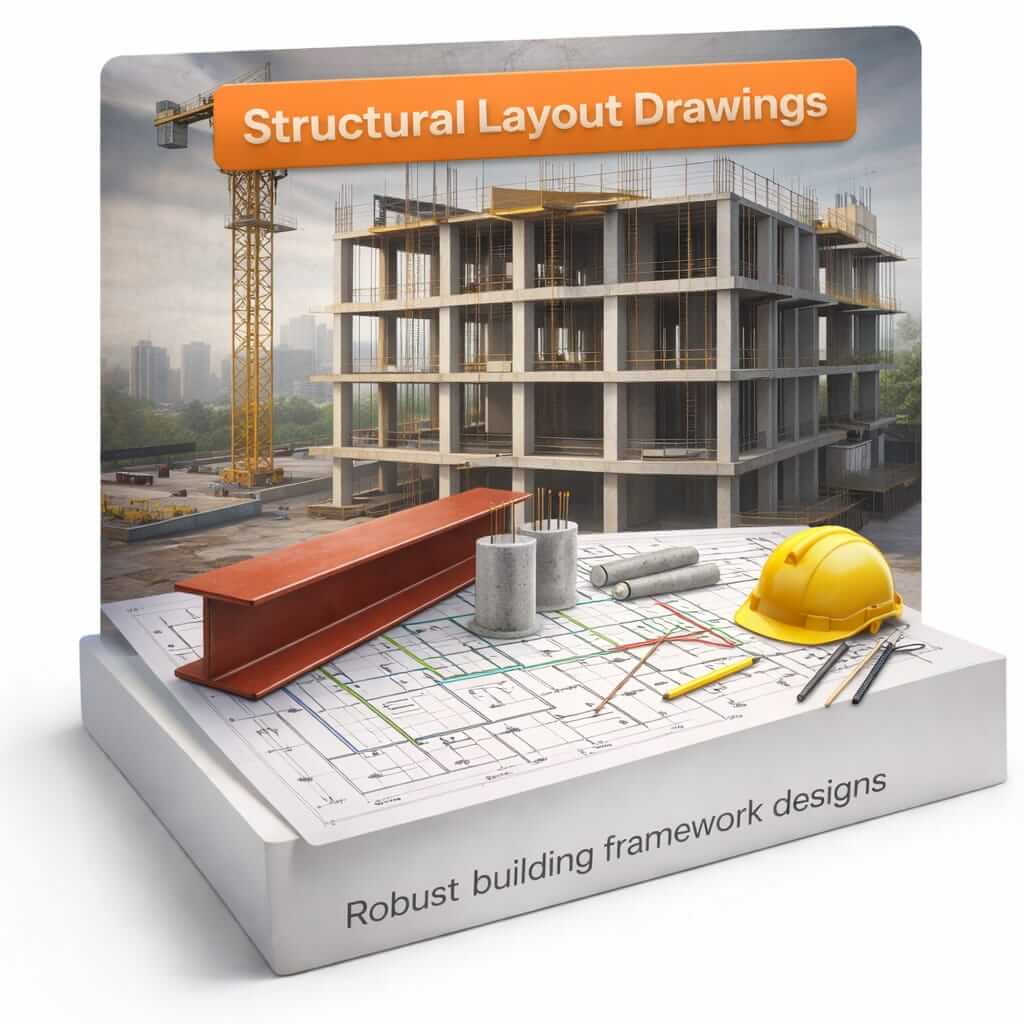
Structural Drawings
Basic structural elements and details
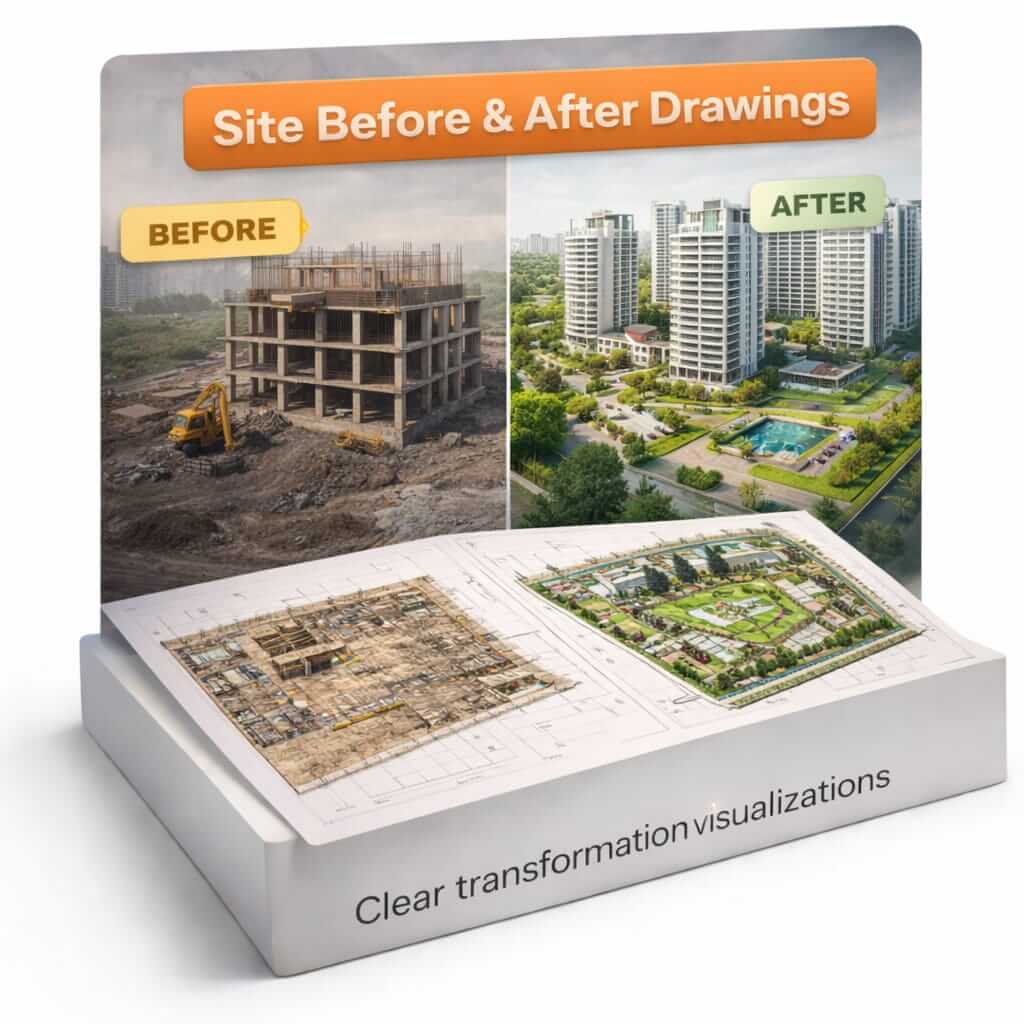
Site Before & After Drawings
Real-world changes during execution
Kya Kehte Hain Hamare Students
Real experiences from students who transformed their careers with our training
"Yahan AutoCAD sirf software nahi, site pe kaam karna sikhaya jata hai. Site visits ne mujhe real-world understanding di jo interviews me bahut kaam aayi."

Rahul Sharma
Civil Engineer, Mumbai
"Interior layout training ne mujhe freelancing start karne me help kiya. Multiple drawing types sikhne se clients ke requirements better samajh me aate hain."

Priya Patel
Interior Designer, Delhi
"ITI ke baad job nahi mil rahi thi, lekin electrical layout training ke baad 3 interviews me se 2 job offers mile. Site knowledge ne mujhe alag stand diya."

Sanjay Kumar
ITI Graduate, Pune
Why This Course Is Different
Discover the unique advantages that set our training apart from others
Site-oriented teaching
Real site visits and practical exposure to understand how drawings are implemented in construction
Layout-based learning
Focus on creating functional layouts for different building systems that can be directly used on site
Industry mistakes explained
Learn from real-world errors and issues that occur during project execution to avoid them in your work
One-to-one doubt clearing
Personalized attention to ensure you understand every concept and can apply it confidently
After-class WhatsApp support
Continuous guidance even after classes to help with your projects and doubts
Career guidance for job & freelance
Expert advice on career paths, interview preparation, and how to start freelance work
AutoCAD Seekhne Ka Sahi Time – Aaj
Site-ready skills ke saath apni career ko new height pe le jaye. Limited seats available for quality training.
Register for Free Demo Class
Fill the form below and our team will contact you shortly