🚀 “Early Bird Discount – Grab Your Spot Before It’s Gone!”
Master AutoCAD TODAY- WE OFFER LIVE SESSSIONS, PRE RECORDED COURSE AND HANDHOLDING SUPPORT
Project-based lessons, real client workflows, downloadable files, and portfolio-grade outcomes. Learn the exact software skills in-demand studios are hiring for.
Trusted by designers from:
Real client projects
Not just theory
Why Our Interior Design Courses Stand Out
We bridge the gap between education and real-world practice with courses designed by working professionals who know exactly what clients need.
Client-Ready Templates
Download professional templates, blocks, and components used by top design firms — ready for your client projects.
- Title block templates
- Material libraries
- Furniture block collections
Complete Project Workflows
Follow the exact process professionals use — from initial client brief to final presentation materials.
- Draft-to-render processes
- Client presentation templates
- Time-saving shortcuts
Portfolio-Building Projects
Create professional-quality designs you can proudly showcase to potential clients and employers.
- Showcase-worthy designs
- Instructor feedback
- Digital portfolio exports
Master Essential Design Software Skills
Learn exactly what you need for client work, avoiding the overwhelming features you'll never use.
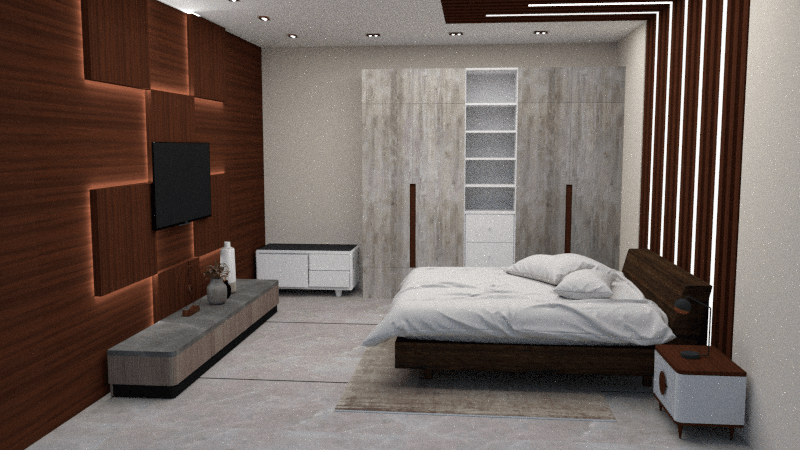


AutoCAD for Interior Design
Master the industry-standard drafting software with our focused, interior design-specific approach. Create professional-quality floor plans, elevations, and construction documents.
Professional Floor Plans
Create accurate, properly layered and dimensioned floor plans that contractors can build from.
Time-Saving Templates
Download professional title blocks, furniture libraries, and annotation styles used by top firms.
Client-Ready Documentation
Learn to create the precise documentation packages clients and contractors expect from professionals.
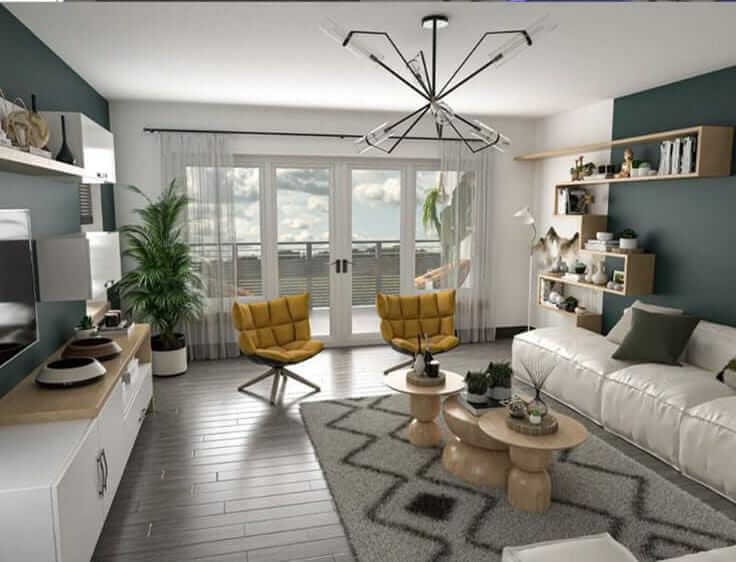
SketchUp for Interior Visualization
Transform 2D plans into stunning 3D visualizations that help clients see your vision. Master materials, lighting, and camera techniques that sell your designs.
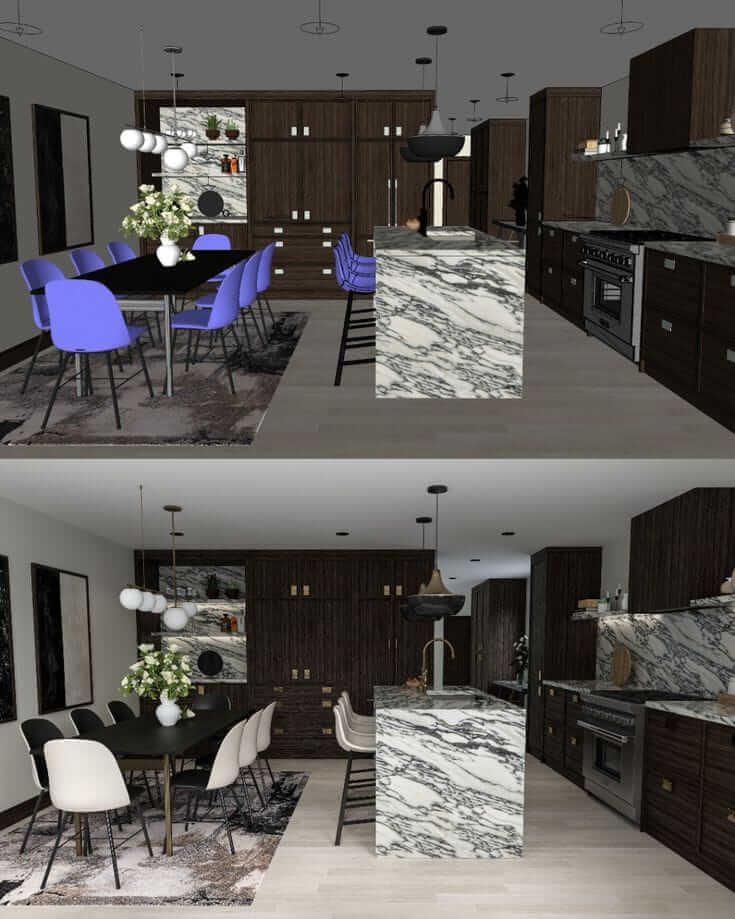
Photorealistic Rendering
Create stunning visualizations that help clients understand your design vision before construction begins.
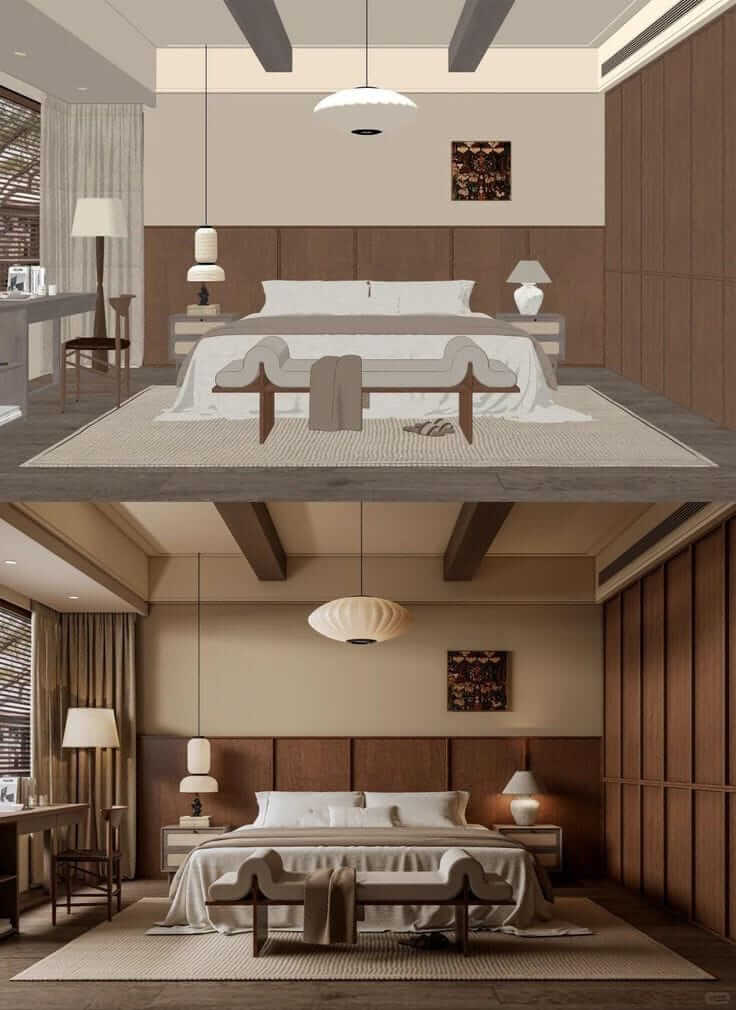
Material & Texture Mastery
Learn to create and apply realistic materials that bring your 3D models to life with authentic textures and finishes.
Client Presentation Techniques
Create walkthroughs, panoramas, and presentation-ready visuals that win client approval and showcase your talent.
Why Most Designers Struggle With Software
Technical software training often misses what interior designers actually need to succeed with clients.
Software Training That Doesn't Address Design Needs
Generic tutorials that don't address interior design-specific workflows
Hours wasted learning features you'll never use in real projects
No guidance on professional standards for client deliverables
Struggling to create portfolio-quality work that wins clients

"I spent months watching tutorials but still couldn't create professional drawings clients would accept."
— komal kumari, Interior Designer
Design-Focused Software Training
Courses built specifically for interior design workflows and deliverables
Focused training on only the features you'll actually use with clients
Professional templates and standards used by top design firms
Portfolio-building projects that demonstrate your professional capabilities
"Within weeks I was creating professional drawings and 3D visualizations that impressed my clients and won me more projects."
— Rahul Trivedi, Course Graduate
Ready to create professional interior design documents?
Join over 2,500 designers who have transformed their technical skills and client deliverables.
What Our Students Are Creating
See the transformation in our students' work and careers after completing our courses.
Ishaa Patel
Interior Architect
"The complete workflow from AutoCAD to SketchUp to client presentation has streamlined my process. I deliver projects in half the time now."
Akash patel
Residential Designer
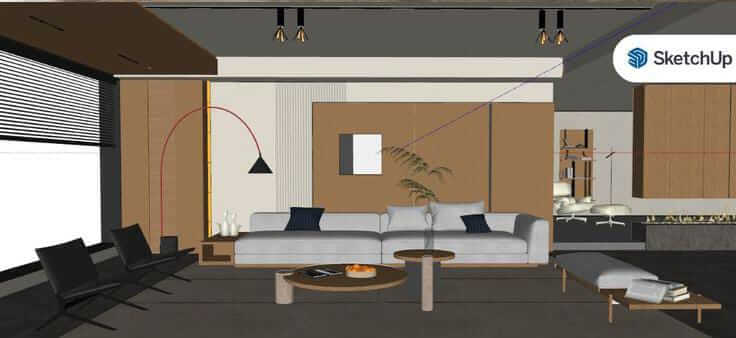
"The AutoCAD course transformed my technical drawings. I'm now confident delivering professional plans that contractors understand immediately."
Priya yadav
Studio Owner
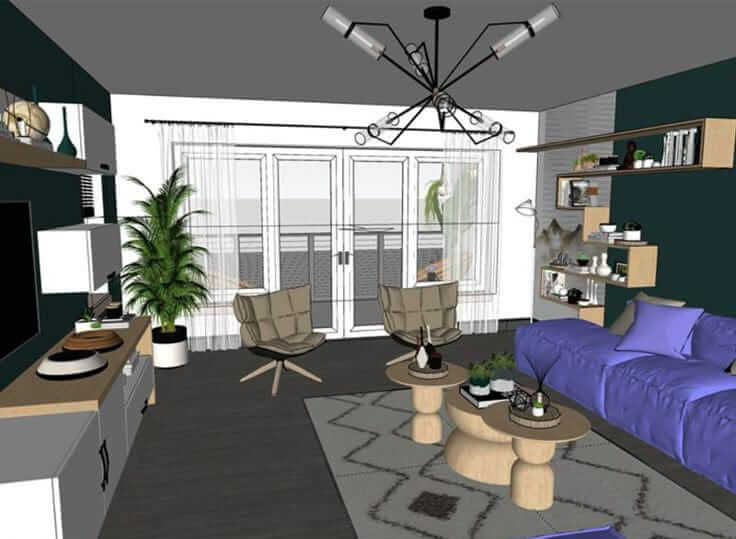
"The SketchUp visualization techniques helped me win a major commercial project. My client presentations now have the wow factor I was missing."
Results That Speak For Themselves
94%
of students complete their courses
87%
report winning more client projects
2.5x
average increase in project efficiency
Join designers from around the world who have transformed their technical skills and elevated their client work.
Choose Your Learning Path
From complete beginners to experienced designers looking to upgrade their technical skills.
Autocad live classes
Alex MorganMaster the fundamentals of AutoCAD for interior design with practical, project-based lessons.
499912999only
💻 “Learn 2D & 3D AutoCAD with Step-by-Step Videos, Anytime Access, Lifetime Learning at Just ₹499!”
Large Call to Action Headline
Complete Interior Design Software Bundle
Design Academy TeamMaster AutoAD, SketchUp, and all interior software or live session 1 hour every day or handholding support
9999/24999only
Start Your Interior Design Software Journey Today
Join over 2,500 interior designers who have transformed their technical skills and client deliverables.
Lifetime access to all course materials and updates
Downloadable templates, blocks, and component libraries
Completion certificate to enhance your credentials
9999/only
24999
Complete Bundle
AutoCAD + SketchUp + ALL upcoming software access+Bonus Modules
Special launch pricing ends in:
30-Day Money-Back Guarantee
Get a Free Sample Lesson
30-Day Guarantee
No questions asked
Our Promise to You
If you're not completely satisfied with your course purchase, simply let us know within 30 days and we'll refund your payment in full. No questions asked.
Try the full course risk-free for 30 days
Fast and friendly support team ready to help
Simple, hassle-free refund process
Common Questions
Everything you need to know about our courses
Do I need to have previous experience with AutoCAD or SketchUp?
No prior experience is necessary. Our courses start from the basics and progressively build your skills. Complete beginners will feel comfortable with our step-by-step approach.
How long do I have access to the course materials?
You get lifetime access to all course materials, including any future updates we make to the content. Learn at your own pace without any time pressure.
Will these courses help me create a professional portfolio?
Absolutely! Each course includes portfolio-building projects that demonstrate your technical skills to potential clients and employers. You'll have professional-quality work to showcase by the end of each course.
Do I need to purchase software licenses separately?
Yes, you'll need to have access to the software being taught. However, we provide information on free trials, student versions, and subscription options to help you get started without a major investment.
How do the downloadable resources work?
Each course includes professionally designed templates, blocks, and component libraries that you can download and use in your own projects. These resources alone are worth the price of the course and will save you hundreds of hours of work.
Is there any support if I get stuck?
Yes, all courses include access to our community forum where you can ask questions and get help from instructors and fellow students. For the Complete Bundle, we also offer direct instructor feedback on your projects.
Still have questions? We're here to help!
Ready to Transform Your Interior Design Technical Skills?
Join over 2,500 designers who have elevated their careers with our professional software training.